Introduction
In today’s fast-paced retail industry, delivering exceptional customer experiences while managing daily operations efficiently is essential for success. Traditional cash registers and manual processes are no longer enough to meet growing customer expectations and business demands.
Retail Point of Sale (POS) software has become an indispensable tool for businesses of all sizes. Beyond processing sales, modern retail POS software helps manage inventory, monitor employee performance, build customer loyalty, generate insightful reports, and streamline overall business operations.
In this guide, we’ll explore the key features, benefits, and best practices of retail POS software and explain why it’s a smart investment for modern retailers.
What Is Retail POS Software?
Retail POS software is a business management solution that combines sales processing with inventory management, customer relationship management (CRM), reporting, employee management, and payment processing.
A modern POS system allows retailers to manage their entire business from a single platform, making daily operations faster, more accurate, and more efficient.
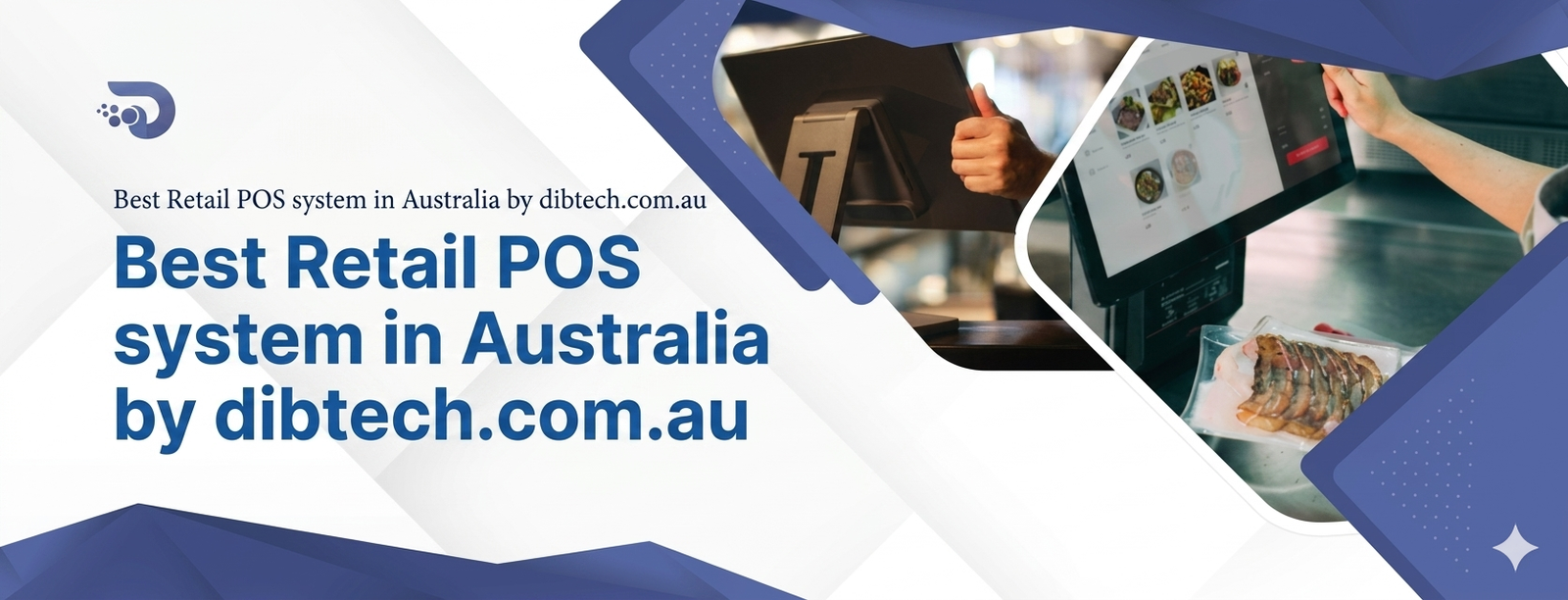
1. Fast and Accurate Checkout
One of the primary functions of a POS system is speeding up the checkout process.
Features Include:
- Barcode scanning
- Quick product lookup
- Automatic tax calculation
- Discount and promotion management
- Digital and printed receipts
Benefits
- Shorter queues
- Faster transactions
- Improved customer satisfaction
2. Real-Time Inventory Management
Inventory control is one of the most valuable features of retail POS software.
Key Capabilities
- Real-time stock tracking
- Automatic inventory updates
- Low-stock alerts
- Stock transfers between locations
- Purchase order management
Benefits
- Prevents stock shortages
- Reduces overstocking
- Improves inventory accuracy
3. Multiple Payment Options
Today’s customers expect flexible payment choices.
Retail POS software supports:
- Cash payments
- Credit cards
- Debit cards
- Contactless payments
- Mobile wallets
- QR code payments
- Gift cards
Providing multiple payment options creates a convenient shopping experience.
4. Customer Relationship Management (CRM)
Modern POS systems help businesses build stronger customer relationships.
CRM Features
- Customer profiles
- Purchase history
- Loyalty programs
- Reward points
- Personalized promotions
These tools encourage repeat business and improve customer retention.
5. Employee Management
Retail POS software helps managers monitor workforce performance.
Features Include
- Employee login accounts
- Attendance tracking
- Sales performance monitoring
- Role-based permissions
- Commission tracking
Managers gain better visibility into employee productivity.
6. Sales Reporting and Analytics
Data-driven decision-making is critical for retail success.
POS software generates reports such as:
- Daily sales
- Product performance
- Revenue trends
- Profit margins
- Employee sales
- Customer purchasing behavior
These insights help businesses identify growth opportunities.
7. Multi-Store Management
Businesses operating multiple locations benefit from centralized management.
Multi-Store Features
- Shared inventory
- Centralized pricing
- Unified customer database
- Remote reporting
- Branch performance comparisons
Managing multiple stores becomes significantly easier.
8. Cloud-Based Accessibility
Cloud POS systems allow business owners to access their operations from anywhere.
Advantages
- Remote monitoring
- Automatic software updates
- Secure cloud backups
- Multi-device compatibility
Business owners can stay connected at all times.
Benefits of Retail POS Software
Improved Efficiency
Automation reduces manual work and streamlines daily operations.
Results
- Faster billing
- Reduced paperwork
- Improved workflow
Better Inventory Control
Real-time inventory updates help retailers maintain optimal stock levels.
Benefits
- Reduced stock discrepancies
- Improved purchasing decisions
- Lower inventory costs
Enhanced Customer Experience
Customers enjoy:
- Faster checkout
- Accurate billing
- Flexible payment methods
- Personalized loyalty rewards
Satisfied customers are more likely to return.
Increased Sales
Retail POS software helps increase revenue through:
- Upselling opportunities
- Customer loyalty programs
- Data-driven promotions
- Improved inventory availability
Stronger Business Insights
Comprehensive reporting allows business owners to:
- Monitor sales performance
- Identify trends
- Evaluate marketing campaigns
- Improve profitability
Better Employee Accountability
Employee tracking features help businesses:
- Monitor attendance
- Evaluate sales performance
- Prevent unauthorized access
- Improve workforce productivity
Improved Security
Modern POS systems provide:
- Secure payment processing
- User authentication
- Transaction encryption
- Audit trails
- Automatic backups
These features help protect business and customer data.
Best Practices for Using Retail POS SoftwareTrain Your Staff
Ensure employees understand:
- Sales processing
- Returns and exchanges
- Customer management
- Inventory functions
Proper training improves efficiency and reduces errors.
Keep Inventory Updated
Regularly verify stock counts and reconcile discrepancies to maintain inventory accuracy.
Review Business Reports Frequently
Analyze sales reports to:
- Identify best-selling products
- Monitor profit margins
- Forecast demand
- Improve inventory planning
Use Customer Data Responsibly
Leverage customer purchase history to personalize promotions while respecting privacy regulations.
Enable User Permissions
Assign employee access levels based on job responsibilities to improve security and accountability.
Perform Regular Software Updates
Keep your POS software updated to:
- Improve security
- Access new features
- Maintain system performance
Back Up Business Data
Whether using cloud or local storage, ensure business information is regularly backed up.
Industries That Benefit from Retail POS Software
Retail POS software is ideal for:
- Grocery Stores
- Supermarkets
- Convenience Stores
- Liquor Stores
- Clothing Stores
- Electronics Retailers
- Gift Shops
- Hardware Stores
- Pet Supply Stores
- Specialty Retail Businesses
How to Choose the Right Retail POS Software
When selecting a POS solution, consider:
- Ease of use
- Inventory management capabilities
- Payment processing options
- Customer loyalty features
- Reporting tools
- Cloud accessibility
- Scalability
- Security features
- Technical support
- Integration with accounting and eCommerce platforms
Choose a solution that aligns with your current business needs while supporting future growth.
Final Thoughts
Retail POS software has evolved into a complete business management solution that helps retailers improve efficiency, enhance customer experiences, and drive profitability. From inventory management and payment processing to employee monitoring and business analytics, a modern POS system provides the tools needed to compete in today’s retail environment.
Whether you operate a single retail store or manage multiple locations, investing in the right retail POS software can streamline operations, reduce costs, and position your business for long-term success.
Frequently Asked Questions (FAQ)1. What is retail POS software?
Retail POS software is a solution that helps businesses process sales, manage inventory, track customers, monitor employees, and generate business reports.
2. What are the main features of retail POS software?
Key features include sales processing, inventory management, payment processing, customer relationship management, employee management, reporting, and cloud access.
3. How does retail POS software improve inventory management?
It automatically updates stock levels after every sale, provides low-stock alerts, and generates inventory reports for better stock control.
4. Can retail POS software support multiple payment methods?
Yes. Most modern POS systems accept cash, credit and debit cards, contactless payments, mobile wallets, QR codes, and gift cards.
5. Is cloud-based retail POS software better?
Cloud-based POS systems offer remote access, automatic backups, real-time reporting, and easier scalability, making them an excellent option for growing businesses.
6. Can retail POS software help improve customer loyalty?
Yes. Many POS systems include loyalty programs, customer profiles, purchase history, and personalized promotions to encourage repeat business.
7. Is retail POS software suitable for small businesses?
Absolutely. Retail POS software helps small businesses automate operations, reduce errors, and improve customer service while supporting future growth.
8. How do I choose the best retail POS software?
Look for software that offers essential features like inventory management, secure payment processing, reporting, customer loyalty tools, scalability, ease of use, and reliable customer support.