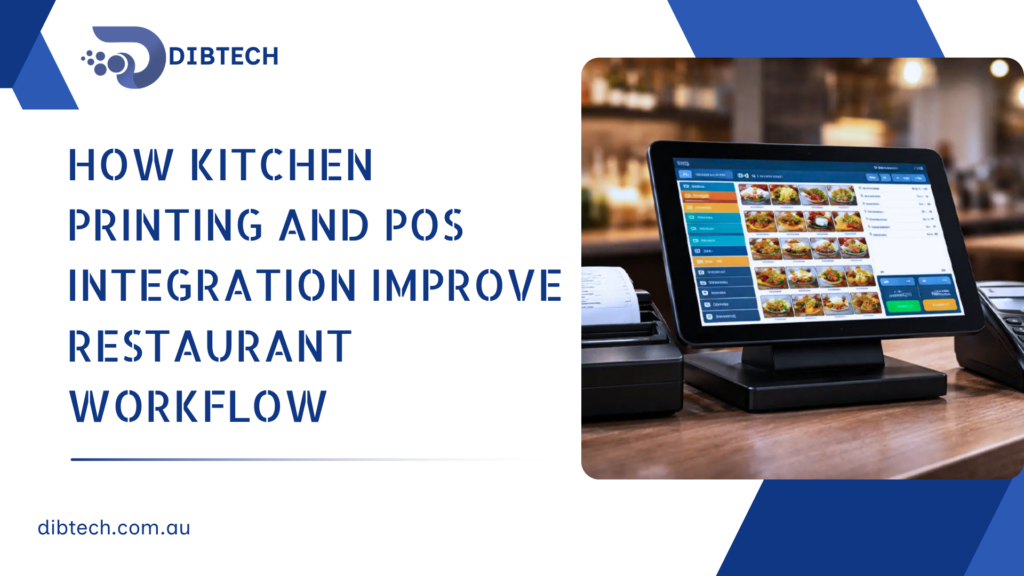
How Kitchen Printing and POS Integration Improve Restaurant Workflow
Running a restaurant efficiently requires more than taking orders quickly. Orders need to reach the kitchen accurately, staff need clear instructions, and customers expect their meals to be prepared and served without unnecessary delays. This is where kitchen printing and POS integration can significantly improve restaurant operations.
A modern restaurant POS system can connect front-of-house ordering with kitchen printing, allowing orders to be sent directly to the appropriate kitchen printer as soon as they are entered. This reduces manual communication and helps kitchen staff prepare orders more efficiently.
1. Faster Order Communication
In a traditional restaurant, waiters may need to write orders on paper and physically deliver them to the kitchen. This can create delays, especially during busy periods.
With an integrated POS system, orders can be sent directly to the kitchen printer after being entered at the POS.
For example:
Customer Order → POS → Kitchen Printer → Kitchen Staff
This allows kitchen staff to start preparing the order sooner and helps reduce unnecessary movement between the dining area and kitchen.
2. Reduces Order Errors
Handwritten orders can sometimes be difficult to read or may be misunderstood.
A POS system records the order digitally and prints the information clearly. This can include:
- Product name
- Quantity
- Modifiers
- Special instructions
- Table number
- Order number
- Customer information where applicable
Clear kitchen tickets help staff understand exactly what needs to be prepared.
3. Sends Orders to the Right Kitchen Station
Restaurants often have different preparation areas for different types of food.
For example:
| Order Item | Kitchen Station |
|---|---|
| Burger | Grill |
| Pizza | Pizza Station |
| Chips | Fryer |
| Drinks | Bar |
| Dessert | Dessert Station |
With appropriate POS and printer configuration, different products can be routed to the relevant kitchen printer.
This prevents every kitchen station from receiving unnecessary orders and helps staff focus on their specific responsibilities.
4. Improves Kitchen Organisation
During busy periods, kitchen staff can receive many orders at once. Printed kitchen tickets provide a clear queue of items that need to be prepared.
Staff can work through orders systematically rather than relying on verbal communication.
This can improve:
- Order organisation
- Kitchen coordination
- Preparation times
- Staff productivity
- Overall service speed
5. Supports Faster Table Service
The faster an order reaches the kitchen, the sooner preparation can begin.
When the POS automatically sends an order to the kitchen, staff don’t need to spend time walking between the counter or tables and the kitchen.
This creates a smoother workflow:
Take Order → Send Order → Prepare Food → Serve Customer → Complete Payment
A streamlined process can help restaurants serve more customers efficiently during busy periods.
6. Helps Manage Modifiers and Special Requests
Customers often request changes such as:
- No onions
- Extra cheese
- Gluten-free
- Medium rare
- Extra sauce
- Add bacon
If these instructions are entered into the POS correctly, they can appear on the kitchen ticket.
This gives kitchen staff the information they need before preparing the meal and reduces the possibility of missing important customer requests.
7. Reduces Verbal Communication
Verbal communication between front-of-house and kitchen staff can become difficult when the restaurant is busy.
Kitchen printing reduces the dependency on staff verbally communicating every order.
Instead, the kitchen receives a printed ticket containing the relevant information.
This is particularly useful in busy restaurants where noise and high workloads can make verbal communication challenging.
8. Improves Order Tracking
A POS system can keep a digital record of orders while kitchen tickets provide the physical preparation instructions.
This allows restaurant management to review information such as:
- Number of orders
- Popular menu items
- Sales by period
- Staff performance
- Order volume
- Busy periods
This information can help management identify workflow problems and make better operational decisions.
9. Makes Staff Training Easier
A standardised POS and kitchen printing workflow can make it easier for new employees to understand how orders move through the restaurant.
Instead of relying entirely on experienced employees to explain the process, staff can follow a consistent workflow:
- Enter the order into the POS.
- Confirm the order.
- Send the order to the kitchen.
- Kitchen staff receive the printed ticket.
- Food is prepared.
- Order is served.
A consistent process can reduce confusion and improve staff efficiency.
10. Better Coordination During Busy Periods
Peak periods can put significant pressure on restaurant staff.
Kitchen printing and POS integration can help maintain order flow when multiple customers are ordering simultaneously.
Instead of employees manually communicating orders, the POS automatically generates kitchen tickets. This allows the kitchen to concentrate on preparation while front-of-house staff focus on customers.
11. Helps Reduce Paper-Based Order Management Problems
Traditional handwritten tickets can be misplaced, damaged, or difficult to interpret.
POS-generated kitchen tickets provide a more consistent format and can contain important information such as order numbers and timestamps.
This makes it easier for kitchen staff to identify which orders are currently being prepared.
12. Creates a More Connected Restaurant Workflow
The biggest advantage of kitchen printing is that it connects different parts of the restaurant operation.
The POS becomes the central point where orders are entered and managed, while kitchen printers deliver the relevant information to the correct preparation areas.
This creates a more connected workflow between:
Customers → Front-of-House Staff → POS → Kitchen → Service
When these processes work together, restaurants can reduce unnecessary manual work and improve operational efficiency.
Best Practices for Kitchen Printing and POS Integration
Restaurants should consider the following when setting up kitchen printing:
- Assign printers to the correct kitchen stations.
- Configure products to print at the appropriate station.
- Test every menu category before going live.
- Make sure modifiers appear correctly on kitchen tickets.
- Use clear printer names such as Kitchen, Bar, or Dessert.
- Regularly check printer paper and connectivity.
- Train staff on the correct POS ordering process.
- Review the setup when menu items or kitchen stations change.
Conclusion
Kitchen printing and POS integration can transform the way restaurant orders move from the customer to the kitchen. By automatically sending orders to the appropriate preparation area, restaurants can reduce communication errors, improve kitchen organisation, speed up service, and create a more consistent workflow.
For restaurants looking to improve operational efficiency, integrating the POS with kitchen printers is a practical step toward a faster and more organised service environment.