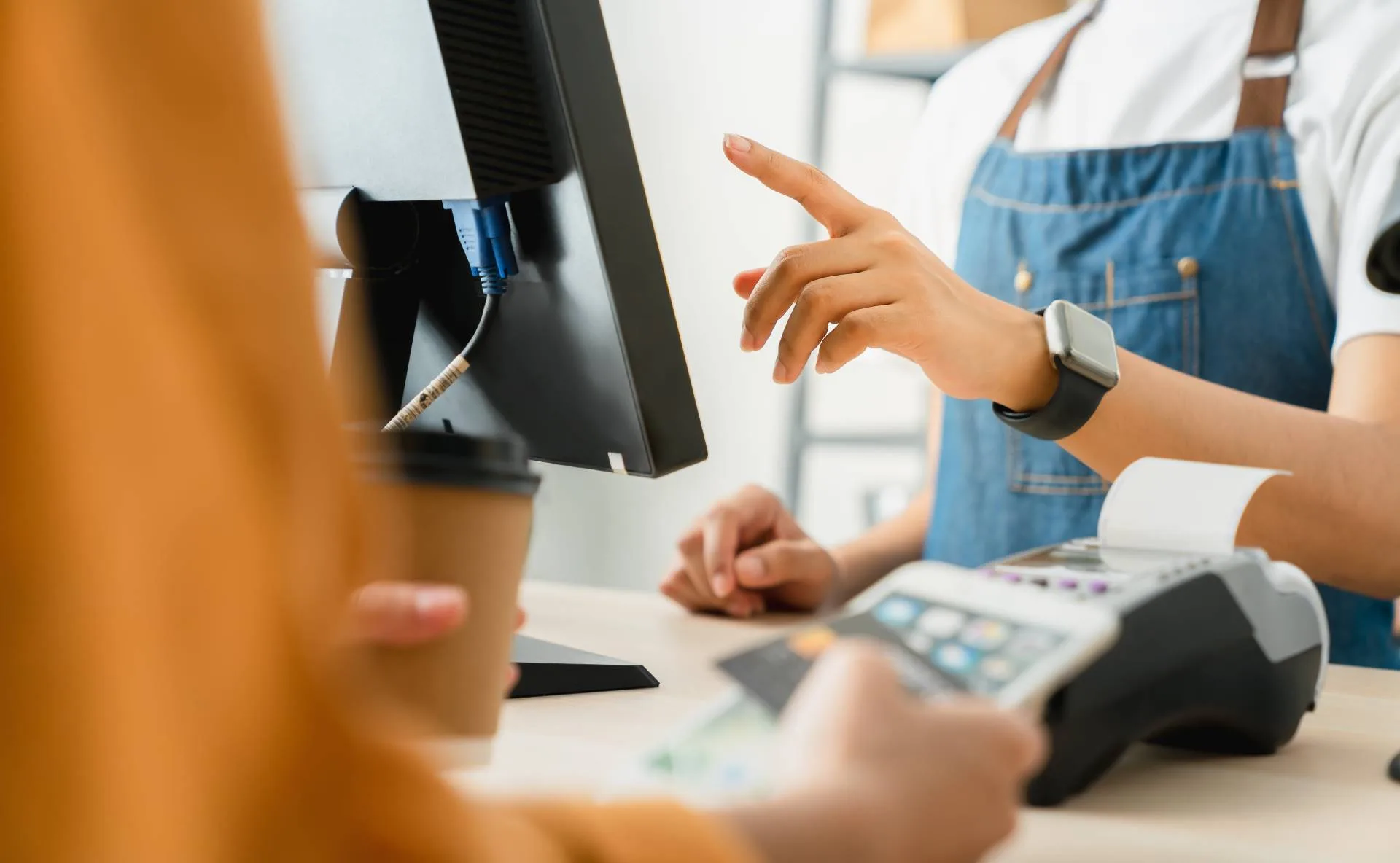
Convenience Store POS System: Manage High-Volume Sales
Convenience stores deal with a unique combination of high customer turnover, frequent small transactions, large product ranges, and time-sensitive sales. During busy periods, even a small delay at the checkout can create long queues and affect the customer experience.
A modern POS system for convenience stores can help businesses process transactions faster, manage inventory more accurately, and keep day-to-day operations organised. Instead of relying on manual processes, store owners can use real-time POS data to manage sales, stock, staff activity, and payments from one system.

Why Speed Matters in Convenience Stores
Customers visiting a convenience store usually want to get what they need and leave quickly. Whether someone is buying a few groceries, a drink, tobacco products, or snacks, a slow checkout can quickly become frustrating.
A POS system can speed up the checkout process by providing features such as:
- Barcode scanning
- Quick product search
- Fast payment processing
- Preconfigured payment options
- Automatic price calculations
- Digital or printed receipts
- Integrated EFTPOS payments
Faster transactions allow staff to serve more customers without adding unnecessary steps to the checkout process.
Faster Checkout During Busy Periods
Convenience stores can experience sudden increases in customer traffic during mornings, lunch breaks, evenings, weekends, or special events.
During these periods, staff need to process transactions efficiently. A POS system can reduce the amount of manual entry required by automatically retrieving product information and prices when an item is scanned.
This means employees can spend less time entering product details and more time serving customers.
A faster checkout process can also help reduce queues, particularly when several customers arrive at the same time.
Managing a Large Number of Products
Convenience stores often sell thousands of products across different categories. Managing prices and product information manually can become difficult as the product range grows.
A POS system provides a central location for product information, allowing businesses to manage details such as:
- Product names
- Barcodes
- Selling prices
- Product categories
- Tax settings
- Stock quantities
- Promotional prices
When a product is scanned at checkout, the POS can automatically retrieve the relevant information. This helps reduce pricing mistakes and keeps the checkout process consistent.
Better Inventory Management
High sales volumes also mean that convenience stores need to monitor stock closely.
Popular products can sell out quickly, while slow-moving products can remain on shelves for longer periods. Without accurate inventory information, it can be difficult to know when stock needs to be reordered.
A POS system can automatically update inventory as products are sold. Store owners can then use stock information to identify products that are selling quickly and determine when additional stock may be required.
This helps reduce the risk of stockouts, particularly for high-demand products.
Identifying Fast-Moving Products
Not every product contributes equally to store sales. Some items may sell consistently throughout the day, while others may only sell occasionally.
POS reporting can help store owners identify:
- Best-selling products
- Slow-moving products
- High-value products
- Popular product categories
- Sales trends
- Peak sales periods
This information can help businesses make better purchasing and stocking decisions.
For example, if a particular beverage consistently sells out during the afternoon, the store can adjust its ordering and stock levels accordingly.
Reducing Pricing Errors
Convenience stores often have frequent price changes, promotions, and discounts. Managing these manually can increase the possibility of incorrect prices being entered at checkout.
A POS system stores product pricing centrally, allowing staff to retrieve the correct price when an item is scanned.
This can help reduce situations where:
- The shelf price differs from the checkout price
- Staff manually enter incorrect prices
- Promotions are applied inconsistently
- Products are accidentally sold at the wrong price
Accurate pricing is especially important in a high-volume environment because even a small pricing error can occur repeatedly across many transactions.
Managing Multiple Payment Methods
Customers expect convenience when paying for their purchases. Depending on the store, customers may use cash, cards, contactless payments, mobile wallets, or other payment methods.
An integrated POS system can provide multiple payment options while keeping the transaction recorded in the same system.
Integration between the POS and EFTPOS terminal can also reduce manual entry. The amount can be sent directly from the POS to the payment terminal, helping minimise errors and speeding up the payment process.
Handling Busy Staff Workflows
Convenience stores often operate for long hours and may have several employees working different shifts.
A POS system can help standardise the checkout process so that employees follow the same basic workflow regardless of who is operating the register.
Depending on the system, businesses can also use user accounts and permissions to control access to functions such as:
- Refunds
- Discounts
- Price changes
- Voids
- Transaction adjustments
- Reports
This provides greater control while allowing authorised staff to perform their responsibilities efficiently.
Reducing Transaction Errors
When employees are processing hundreds of transactions, manual mistakes can happen.
A modern POS system can automate many parts of the transaction process, including:
- Product identification
- Price calculation
- Tax calculation
- Discount application
- Payment totals
- Receipt generation
- Inventory updates
Reducing manual steps can improve transaction accuracy and help staff work more confidently during busy periods.
Real-Time Sales Information
One of the biggest advantages of a modern POS system is access to current sales information.
Store owners and managers can use POS reports to understand how the business is performing without manually counting every transaction.
They may be able to monitor information such as:
- Total sales
- Transaction counts
- Average transaction value
- Payment methods
- Product performance
- Sales by time period
This information can help managers respond quickly to changes in customer demand.
Managing Peak Trading Hours
POS data can help convenience stores identify when they experience their highest customer traffic.
For example, reports may show that the store receives a large number of transactions between 7:00 AM and 9:00 AM. Management can use this information to schedule additional staff during that period.
Similarly, identifying slower periods can help businesses avoid unnecessary staffing costs.
This allows staffing decisions to be based on actual sales patterns rather than assumptions.
Supporting Loss Prevention
High transaction volumes can make it more difficult to monitor every sale manually. POS systems can provide transaction records that help businesses review unusual activity.
Depending on the system, managers may be able to review:
- Voided transactions
- Refunds
- Discounts
- Cancelled sales
- Manual price changes
- Cash transactions
Regularly reviewing this information can help businesses identify unusual patterns and improve internal controls.
Keeping Sales Running During Connectivity Problems
Internet or network problems can disrupt normal POS operations if the system depends entirely on a constant connection.
Some modern POS systems support offline functionality, allowing businesses to continue processing certain transactions when connectivity is temporarily unavailable.
Once the connection is restored, transactions can be synchronised back to the relevant systems.
For convenience stores, this can be particularly valuable because even a short interruption during a busy period can result in delays and frustrated customers.
Making Better Business Decisions
A POS system does more than process sales. The information collected from everyday transactions can help store owners make better operational decisions.
For example, POS data can help answer questions such as:
- Which products should we order more frequently?
- When should additional staff be scheduled?
- Which products are not selling well?
- Which payment methods are customers using most?
- When does the store experience its busiest periods?
- Which promotions are generating more sales?
Instead of relying entirely on guesswork, businesses can use actual sales data to guide their decisions.
Final Thoughts
Convenience stores need to process sales quickly while maintaining accurate pricing, inventory, and payment records. As transaction volumes increase, manual processes become harder to manage and can lead to delays and errors.
A modern POS system for convenience stores can help simplify these processes by combining fast checkout, barcode scanning, inventory management, payment integration, reporting, and transaction tracking in one system.
For businesses handling hundreds or thousands of transactions, the right POS system can make everyday operations more efficient while giving owners and managers better visibility into how their store is performing.
Ultimately, a POS system is not simply a tool for taking payments. It can become an important part of managing a convenience store efficiently as sales volume and customer demand continue to grow.