From Kitchen to Checkout: How Hospitality POS Software Simplifies Operations
Introduction
In the hospitality industry, delivering exceptional guest experiences depends on more than just great food and service. Restaurants, cafés, hotels, bars, and other hospitality businesses must manage orders, payments, inventory, staff, and customer interactions efficiently to stay competitive.
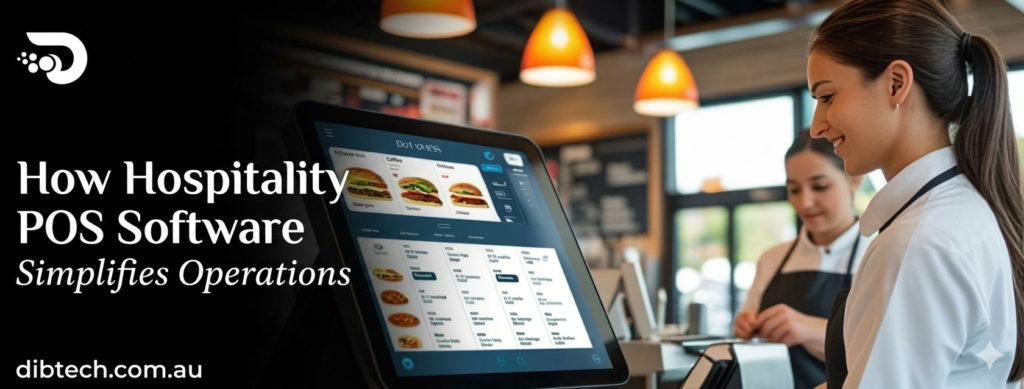
A modern Hospitality POS (Point of Sale) software solution connects every part of your business—from the kitchen to the checkout counter—into one integrated platform. It streamlines operations, reduces manual tasks, improves communication, and enhances customer satisfaction.
In this guide, we’ll explore how hospitality POS software simplifies daily operations and why it’s an essential investment for modern hospitality businesses.
What Is Hospitality POS Software?
Hospitality POS software is a business management system designed specifically for restaurants, cafés, hotels, bars, and other hospitality venues.
It combines essential functions such as:
- Order management
- Payment processing
- Kitchen communication
- Inventory management
- Employee management
- Customer loyalty
- Business reporting
By connecting front-of-house and back-of-house operations, hospitality POS software helps businesses operate more efficiently.
1. Faster and More Accurate Order Taking
Taking customer orders quickly and accurately is essential in busy hospitality environments.
Modern hospitality POS software allows staff to:
- Enter orders digitally
- Customize menu items
- Add special instructions
- Send orders instantly to the kitchen
Benefits
- Fewer order mistakes
- Faster service
- Improved customer satisfaction
- Better communication between staff
2. Seamless Kitchen Communication
Paper order tickets can easily be misplaced or misunderstood.
Hospitality POS software integrates with Kitchen Display Systems (KDS) or kitchen printers to send orders directly to the preparation area.
Advantages
- Real-time order updates
- Reduced communication errors
- Faster meal preparation
- Better coordination between front and back of house
This helps kitchens operate more efficiently during peak service hours.
3. Faster Checkout and Payment Processing
Customers appreciate quick and convenient payment options.
Hospitality POS software supports:
- Cash payments
- Credit and debit cards
- Contactless payments
- Mobile wallets
- QR code payments
- Split bills
- Tips and gratuities
Integrated payment processing speeds up checkout while reducing payment errors.
4. Table and Reservation Management
Restaurants and cafés benefit from intelligent table management.
Features include:
- Table layouts
- Reservation tracking
- Table availability
- Waitlist management
- Table transfers
- Split seating
These tools help maximize seating capacity and improve customer flow.
5. Real-Time Inventory Management
Managing ingredients and supplies manually can result in waste and shortages.
Hospitality POS software automatically tracks inventory by:
- Updating stock after every sale
- Monitoring ingredient usage
- Sending low-stock alerts
- Managing supplier information
- Tracking food costs
Benefits
- Reduced food waste
- Better purchasing decisions
- Improved stock control
6. Employee Management
Managing hospitality staff becomes much easier with integrated POS software.
Features include:
- Employee login accounts
- Clock-in and clock-out
- Shift scheduling
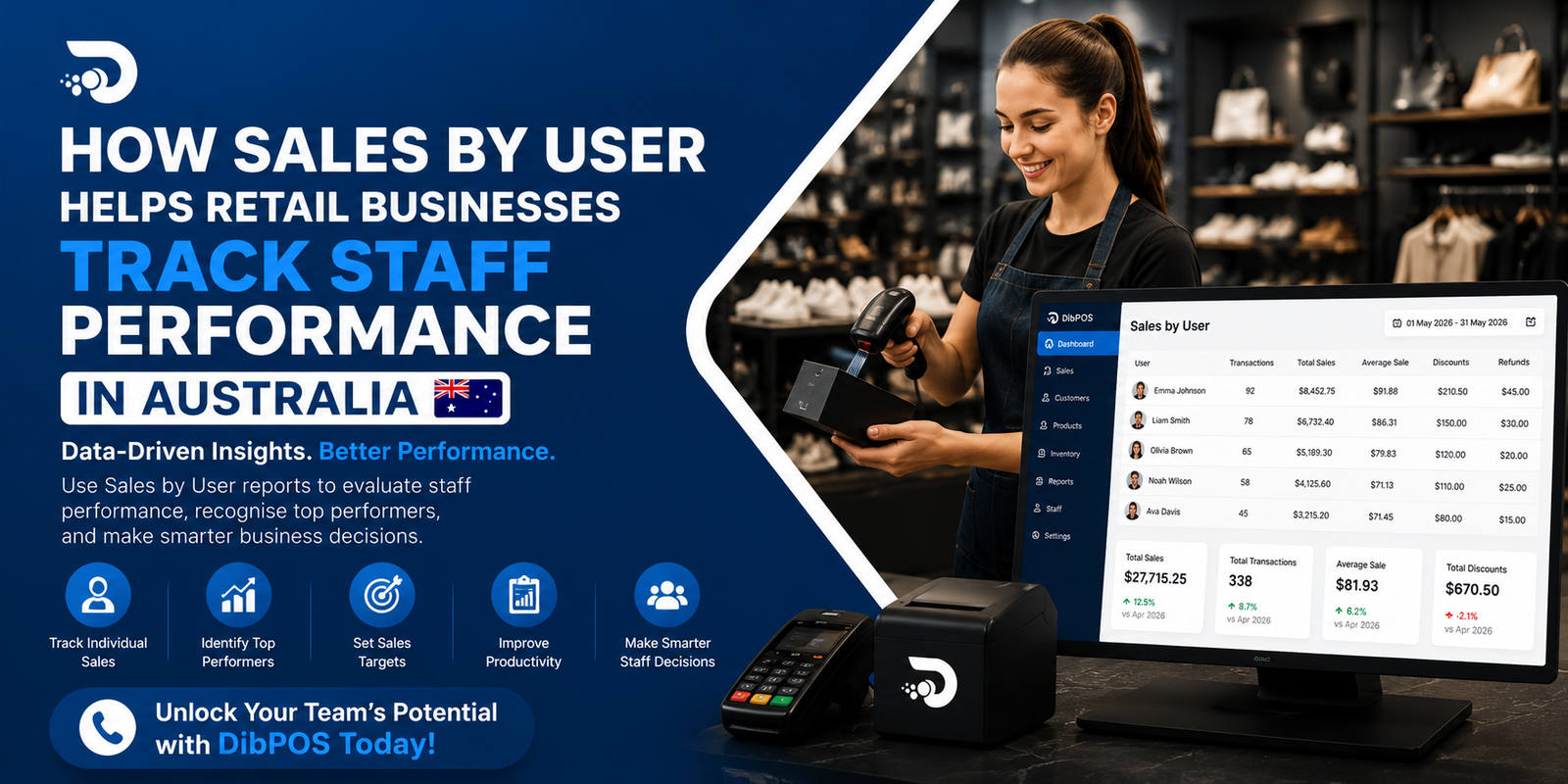
- Performance tracking
- Sales monitoring
- Role-based permissions
Managers gain better visibility into workforce productivity.
7. Customer Loyalty and Personalized Service
Returning customers are essential for long-term business success.
Hospitality POS software helps businesses build loyalty through:
- Customer profiles
- Purchase history
- Loyalty rewards
- Gift cards
- Membership programs
- Personalized promotions
Personalized experiences encourage repeat visits and stronger customer relationships.
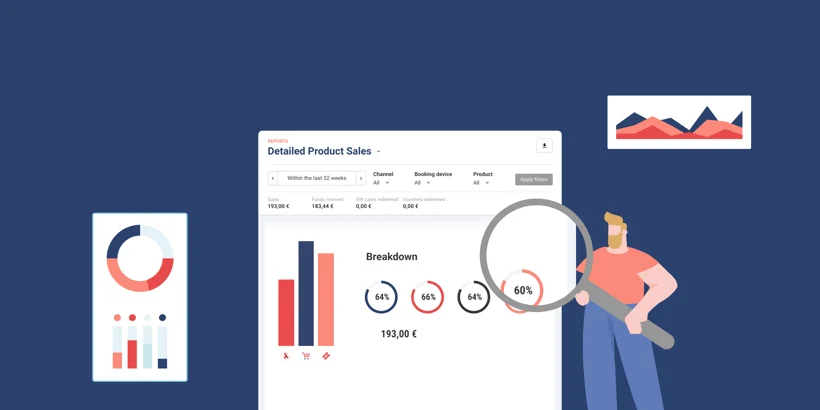
8. Business Reporting and Analytics
Successful hospitality businesses make decisions based on data.
Hospitality POS software generates reports including:
- Daily sales
- Peak service hours
- Best-selling menu items
- Staff performance
- Inventory reports
- Revenue trends
- Customer purchasing behavior
Real-time reporting helps managers identify opportunities to improve profitability.
9. Multi-Location Management
Businesses operating multiple restaurants, cafés, or hotels benefit from centralized management.
Features include:
- Unified inventory
- Centralized menu updates
- Shared customer database
- Branch performance reports
- Remote business monitoring
Managing multiple locations becomes more efficient and consistent.
10. Cloud-Based Access
Cloud hospitality POS software allows business owners to monitor operations from anywhere.
Benefits include:
- Remote access to reports
- Automatic cloud backups
- Multi-device compatibility
- Real-time business monitoring
Owners can stay connected whether they’re on-site or off-site.
How Hospitality POS Software Improves Customer Experience
A well-designed POS system enhances every stage of the customer journey.
It helps businesses:
- Reduce waiting times
- Improve order accuracy
- Offer flexible payment options
- Speed up table turnover
- Personalize customer service
- Simplify reservations
- Reward loyal customers
Happy customers are more likely to return and recommend your business.
Best Practices for Using Hospitality POS Software
Train Your Team
Ensure employees understand how to:
- Take orders accurately
- Process payments
- Manage tables
- Handle refunds
- Use customer loyalty features
Keep Menus Updated
Regularly update menu prices, specials, and product availability to avoid customer confusion.
Monitor Inventory Daily
- Peak dining hours
- Popular menu items
- High-performing staff
- Revenue trends
Protect Business Data
Use secure passwords, role-based permissions, and regular software updates to keep your POS system secure.
Industries That Benefit from Hospitality POS Software
Hospitality POS software is ideal for:
- Restaurants
- Cafés
- Hotels
- Bars
- Pubs
- Fast Food Outlets
- Food Trucks
- Bakeries
- Coffee Shops
- Catering Businesses
Final Thoughts
Hospitality POS software is much more than a payment solution—it’s a complete operational platform that connects every aspect of your business, from the kitchen to the checkout counter. By streamlining order management, improving communication, simplifying inventory tracking, and providing real-time business insights, it helps hospitality businesses deliver outstanding customer experiences while improving efficiency and profitability.
Whether you manage a small café or a multi-location restaurant chain, investing in the right hospitality POS software can help reduce operational complexity, enhance service quality, and support long-term business growth.
Frequently Asked Questions (FAQ)
1. What is hospitality POS software?
Hospitality POS software is a management system designed for restaurants, cafés, hotels, bars, and similar businesses to handle orders, payments, inventory, staff, and reporting.
2. How does hospitality POS software improve kitchen operations?
It sends customer orders directly to kitchen display systems or printers, reducing communication errors and speeding up food preparation.
3. Can hospitality POS software manage reservations?
Yes. Many systems include reservation management, table layouts, waitlists, and table assignment features.
4. Does hospitality POS software support multiple payment methods?
Yes. Most systems accept cash, cards, contactless payments, mobile wallets, QR code payments, and split billing.
5. How does hospitality POS software help manage inventory?
It tracks stock in real time, updates ingredient usage after each sale, provides low-stock alerts, and supports supplier management.
6. Can I manage multiple hospitality locations with one POS system?
Yes. Cloud-based hospitality POS systems allow centralized management of menus, inventory, sales, and reporting across multiple locations.
7. Is cloud-based hospitality POS software secure?
Reputable cloud POS providers use encrypted data transmission, secure user authentication, automatic backups, and role-based access controls to protect business data.
8. What should I look for in hospitality POS software?
Look for features such as order management, kitchen display integration, table management, payment processing, inventory tracking, employee management, reporting, customer loyalty, and cloud access.