How POS Systems Help Retailers Manage Multiple Checkout Terminals

Managing multiple checkout terminals can become challenging as a retail business grows. More checkout points mean more transactions, employees, payment devices, and sales data to monitor.
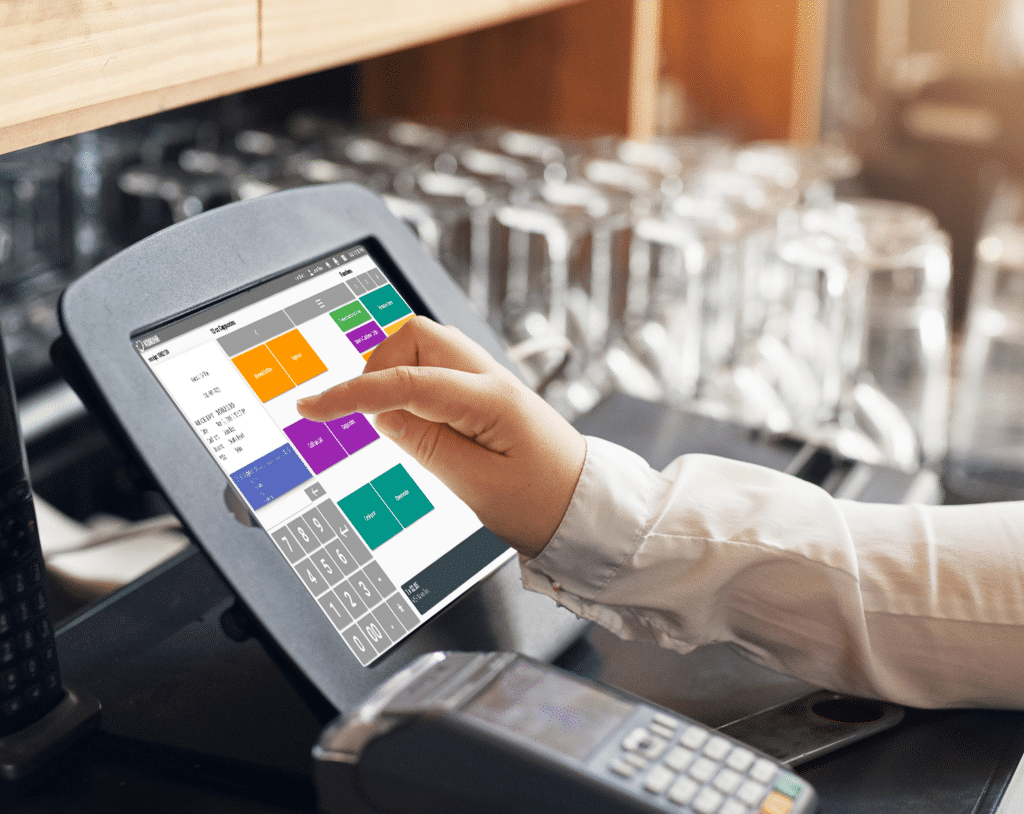
A modern Point of Sale (POS) system helps retailers manage multiple terminals from a centralised platform. It connects sales, inventory, payments, staff activity, and reporting, giving business owners better visibility across the entire store.
What Are Multiple POS Terminals?
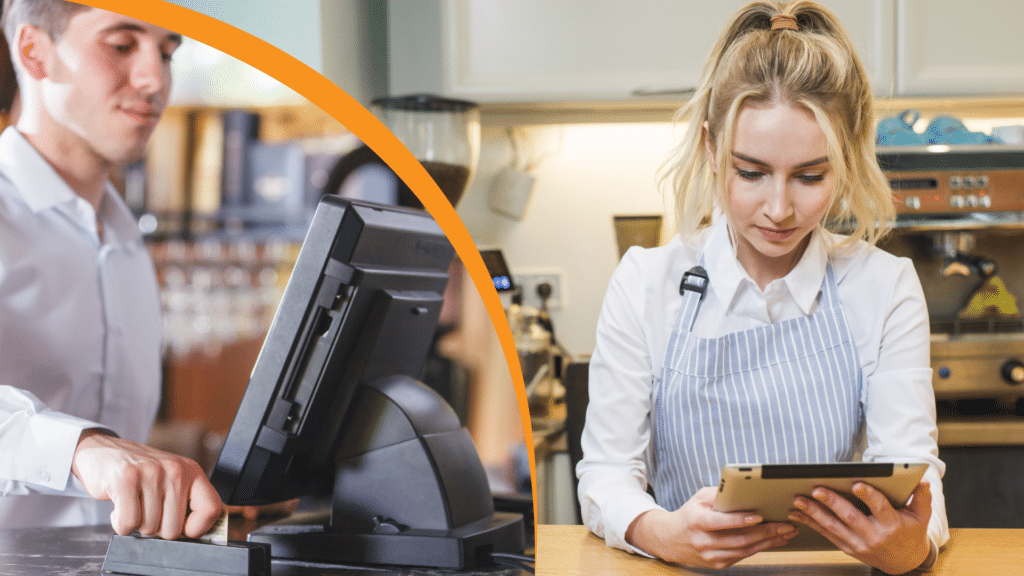
A POS terminal is a checkout station used to process customer purchases. A retail shop may have several terminals depending on its size and customer volume.
For example:
- Terminal 1: Main checkout
- Terminal 2: Secondary checkout
- Terminal 3: Customer service counter
- Terminal 4: Express checkout
A POS system allows these terminals to work together while maintaining accurate records of transactions processed at each location.
1. Centralised Sales Management
One of the biggest advantages of using a POS system with multiple terminals is centralised sales management.
Instead of managing each checkout separately, merchants can view sales information from all terminals in one system.
Managers can monitor:
- Total store sales
- Sales by terminal
- Number of transactions
- Payment totals
- Refunds
- Discounts
This provides a complete picture of store performance.
2. Track Sales by Terminal
POS systems can record which terminal processed each transaction.
A Sales by Terminal report can help managers compare checkout activity and identify which terminals generate the most sales.
For example:
| Terminal | Transactions | Sales |
|---|---|---|
| Terminal 1 | 180 | $8,450 |
| Terminal 2 | 145 | $6,780 |
| Terminal 3 | 95 | $4,230 |
This information helps retailers understand customer traffic and checkout performance.
3. Reduce Checkout Queues
Multiple terminals allow retailers to serve more customers simultaneously.
During busy periods, managers can open additional checkout stations to reduce waiting times.
A POS system makes it easier to maintain consistent product, pricing, and promotion information across every terminal.
This creates a faster and more consistent checkout experience.
4. Manage Integrated EFTPOS Payments
Modern POS systems can integrate with EFTPOS terminals at individual checkout stations.
The POS can send the transaction amount directly to the appropriate EFTPOS terminal, reducing the need for staff to manually enter payment amounts.
This can help:
- Reduce payment entry errors
- Speed up transactions
- Improve transaction accuracy
- Simplify reconciliation
5. Keep Product and Pricing Information Consistent
When multiple terminals are connected to the same POS system, product and pricing information can be managed centrally.
If a product price or promotion is updated, the change can be applied across the relevant checkout terminals.
This reduces the risk of different terminals displaying inconsistent prices.
6. Improve Staff Management
Multiple checkout terminals often mean multiple employees working at the same time.
POS systems can provide individual user accounts, allowing managers to track transactions processed by each employee.
Features may include:
- Sales by User
- Clock In and Clock Out
- User permissions
- Staff activity
- Transaction history
This helps managers monitor employee performance and maintain accountability.
7. Monitor Inventory Across All Terminals
Every completed sale can update inventory in the POS system.
This means sales from multiple checkout terminals contribute to the same inventory records.
For example, if five units of a product are sold across different terminals, the system can update the overall stock accordingly.
This provides better visibility into available inventory.
8. Identify Busy Checkout Periods
POS reports can help retailers identify when their checkout terminals experience the highest transaction volumes.
Managers can analyse:
- Hourly sales
- Daily sales
- Transaction counts
- Terminal activity
If a store regularly experiences high transaction volumes between 5 PM and 7 PM, management can schedule additional staff and open more checkout terminals during that period.
9. Improve Cash and Payment Reconciliation
Managing cash across several terminals can be complicated without accurate records.
POS reporting helps managers compare:
- POS sales
- Cash payments
- EFTPOS transactions
- Refunds
- Discounts
- Terminal totals
This can make end-of-day reconciliation easier and help identify discrepancies.
10. Control Employee Permissions
Not every employee needs access to every POS function.
A modern POS system can allow managers to assign different permissions to different users.
For example:
Cashier
- Process sales
- Accept payments
- Print receipts
Supervisor
- Process refunds
- Apply approved discounts
- Review selected reports
Manager
- Access detailed reports
- Manage products
- Configure system settings
This provides greater control over multiple checkout stations.
11. Support Multi-Store Operations
Retailers with multiple stores can benefit even more from centralised POS management.
Depending on the system, business owners may be able to monitor terminals across different locations and compare store performance.
This can provide insights into:
- Store sales
- Terminal performance
- Product demand
- Staff performance
- Payment activity
Cloud-based access can make this information available remotely to authorised users.
12. Make Better Business Decisions
The data collected from multiple checkout terminals provides valuable information for business planning.
Retailers can use POS reports to determine:
- Whether another checkout terminal is needed
- Which checkout is busiest
- When additional staff are required
- Which products sell most frequently
- Which payment methods customers use
- Whether store processes need improvement
Instead of relying on assumptions, managers can make decisions using actual transaction data.
Best Practices for Managing Multiple POS Terminals
Keep All Terminals Updated
Ensure POS software, product information, pricing, and promotions are consistent across checkout stations.
Use Individual Staff Accounts
Assign employees their own POS login credentials so transactions can be tracked accurately.
Review Sales by Terminal Reports
Regularly compare terminal performance to identify trends and unusual activity.
Reconcile Payments Daily
Compare POS totals with cash and EFTPOS settlement information to identify discrepancies promptly.
Monitor Peak Hours
Use sales reports to determine when additional terminals or employees are needed.
Maintain Reliable Network Connectivity
Multiple terminals depend on reliable network communication, particularly when POS, printers, EFTPOS, and other devices are integrated.
Conclusion
Managing multiple checkout terminals doesn’t have to be complicated. A modern POS system connects checkout stations, sales, inventory, staff, payments, and reporting into a centralised system.
By using features such as Sales by Terminal, integrated EFTPOS, inventory tracking, staff management, and real-time reporting, retailers can improve checkout efficiency, reduce errors, monitor performance, and make better business decisions.
For growing retail businesses, a POS system that can efficiently manage multiple terminals provides the scalability and visibility needed to deliver a faster and more organised checkout experience.