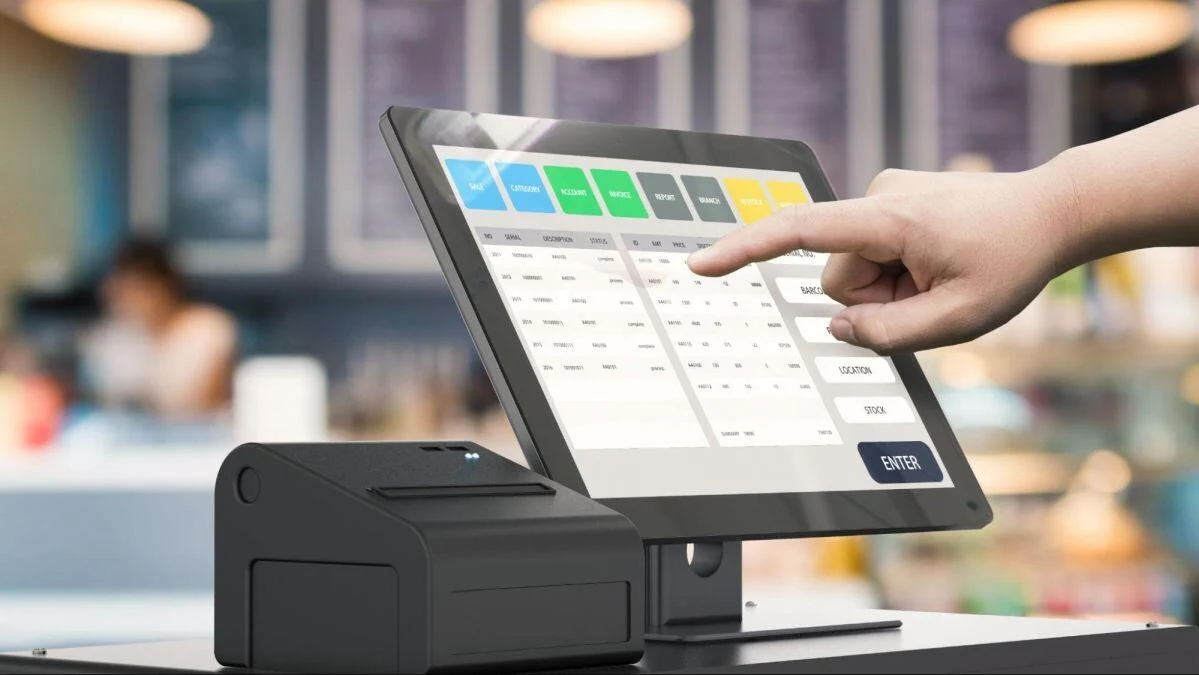
What Is POS Data Synchronisation and Why Does It Matter?
Every sale, price update, inventory adjustment, and customer order recorded in your Point of Sale (POS) system creates valuable business data. But that data is only useful if it remains accurate and consistent across all parts of your business.
Imagine updating a product price in your back office, only to discover that one of your POS terminals is still using the old price. Or a product sells out, but another register continues to show stock available. These situations can lead to confusion, delays, and costly mistakes.
This is why POS data synchronisation plays such an important role in modern business operations.

What Is POS Data Synchronisation?
POS data synchronisation is the process of automatically sharing and updating information between connected POS devices and systems.
Whenever information changes, such as a product price, inventory quantity, or sales transaction, the POS system distributes that update to the relevant devices and databases.
The goal is simple: ensure everyone in the business is working with the same information.
Whether you operate a retail store, restaurant, café, convenience store, or multi-location business, accurate synchronisation helps keep operations running smoothly.
Why Synchronisation Is Important
Many business owners don’t think about synchronisation until something goes wrong.
Behind every successful transaction, multiple pieces of information need to remain accurate. Products, prices, stock levels, reports, and orders must all stay aligned.
Without proper synchronisation, different parts of the business can start displaying different information.
This can result in:
- Incorrect product pricing
- Inventory discrepancies
- Missing sales information
- Delayed order processing
- Reporting inconsistencies
- Staff confusion during busy periods
Reliable synchronisation helps prevent these issues before they impact daily operations.
A Simple Example
Imagine a grocery store with two POS terminals.
A customer purchases the last five units of a product at Register 1. The inventory level immediately drops to zero.
If the data synchronises correctly, Register 2 will also show that the product is out of stock.
However, if synchronisation fails, Register 2 may still display stock as available. Staff may continue selling a product that is no longer in inventory.
While this may seem like a small issue, similar problems occurring across hundreds or thousands of products can create significant operational challenges.
What Information Is Usually Synchronised?
Modern POS systems continuously update a wide range of business information.
This often includes:
- Product information
- Pricing updates
- Inventory quantities
- Categories and menus
- Sales transactions
- Customer information
- Promotions and discounts
- Staff records
- Reports and analytics
- Online and in-store orders
The exact data being synchronised depends on the POS system and business setup.
How Synchronisation Benefits Businesses
Improved Inventory Accuracy
Accurate inventory is one of the biggest advantages of a synchronised POS system.
When stock levels update automatically after each sale, businesses gain better visibility into available inventory and can make more informed purchasing decisions.
This helps reduce overselling, stock shortages, and inventory discrepancies.
Consistent Pricing Across All Devices
Price changes are common in many businesses.
Without synchronisation, staff may accidentally charge different prices on different registers.
A synchronised POS system helps ensure pricing updates are reflected wherever products are sold.
Better Reporting
Business decisions depend on reliable data.
Sales reports, product performance reports, and inventory reports become far more valuable when information is consistently updated across the entire system.
This gives business owners greater confidence when reviewing performance and planning future growth.
Reduced Manual Work
Updating products, prices, or stock levels manually across multiple devices can be time-consuming.
Synchronisation automates these updates, allowing staff to focus on serving customers rather than maintaining data.
More Efficient Multi-Terminal Operations
Businesses with multiple POS terminals need information to remain consistent across every device.
Synchronisation helps ensure that all terminals are working from the same set of data, reducing confusion and improving operational efficiency.
What Causes Synchronisation Problems?
Several factors can interrupt data synchronisation.
Network Connectivity Issues
Many POS systems rely on internet or local network connections to exchange information.
Unstable Wi-Fi, network outages, or hardware issues can delay updates between devices.
Software Configuration Problems
Incorrect settings can sometimes prevent information from syncing properly between connected systems.
Outdated Software
Older software versions may contain bugs or compatibility issues that affect synchronisation performance.
Regular updates help minimise these risks.
Database Issues
If the system’s database encounters errors, synchronisation may become delayed or incomplete.
This is why regular system maintenance is important.
What Happens If Data Stops Syncing?
When synchronisation issues occur, businesses may notice symptoms such as:
- Products missing from POS screens
- Incorrect inventory levels
- Pricing differences between terminals
- Missing online orders
- Inconsistent sales reports
- Delayed updates after product changes
While some issues may resolve automatically once communication is restored, ongoing synchronisation problems should be investigated promptly.
Supporting Business Growth
As businesses expand, the importance of synchronisation increases.
Additional registers, online ordering platforms, customer loyalty programs, inventory systems, and multiple locations all rely on accurate data sharing.
Without reliable synchronisation, managing these systems becomes increasingly difficult.
A well-configured POS system helps ensure that information flows smoothly throughout the business, supporting both day-to-day operations and long-term growth.
Final Thoughts
POS data synchronisation may operate in the background, but its impact is felt throughout the entire business.
From inventory management and pricing accuracy to reporting and customer service, synchronised data helps businesses operate more efficiently and make better decisions.
As businesses continue to rely on multiple devices and connected systems, maintaining accurate and reliable POS synchronisation becomes essential for smooth and successful operations.