The Complete Guide to Grocery Store POS Features
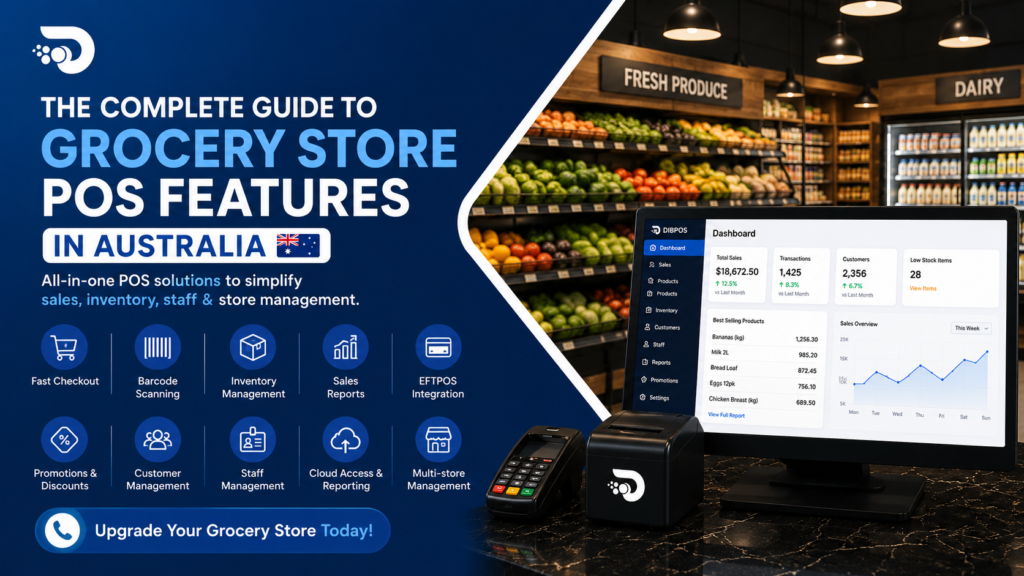
Running a grocery store involves much more than processing payments. From managing thousands of products to tracking inventory, monitoring staff performance, and handling promotions, store owners need efficient tools to manage daily operations.
A modern Grocery Store POS System brings these functions together in one platform, helping businesses improve checkout speed, inventory accuracy, reporting, and overall efficiency.
In this guide, we explore the key features grocery stores should look for when choosing a POS system.
What Is a Grocery Store POS System?
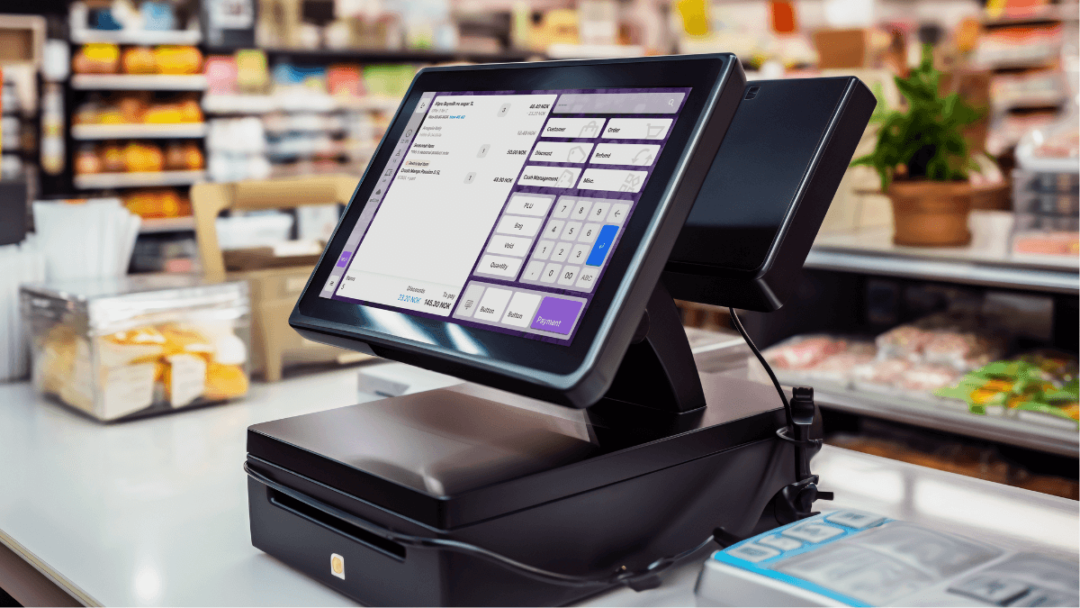
A grocery store POS system is software and hardware designed to manage sales transactions and other retail operations.
Unlike a basic cash register, a modern POS system can connect sales with inventory, customer information, staff accounts, reports, promotions, and payment systems.
This gives grocery store owners a centralised view of their business.
1. Fast and Easy Checkout
Speed is essential in grocery stores, especially during busy periods.
A good POS system should allow staff to quickly:
- Scan barcodes
- Search products
- Process multiple payment methods
- Apply discounts
- Print or send receipts
- Complete transactions efficiently
Faster checkout can reduce queues and improve the customer experience.
2. Barcode Scanning
Barcode scanning is one of the most important features for grocery stores.
Instead of manually entering product information and prices, employees can scan a product barcode to instantly add it to the transaction.
This helps reduce:
- Manual entry
- Pricing errors
- Checkout time
- Transaction mistakes
3. Inventory Management
Grocery stores often manage a large number of products, making inventory management challenging.
A POS system can automatically update stock levels when products are sold, helping staff understand what is available.
Useful inventory features include:
- Real-time stock tracking
- Low-stock alerts
- Stock adjustments
- Stock transfers
- Product management
- Supplier management
- Purchase tracking
Better inventory visibility can help prevent both overstocking and stock shortages.
4. Product and Category Management
A grocery POS system should make it easy to organise products into categories such as:
- Fresh produce
- Dairy
- Bakery
- Beverages
- Frozen foods
- Snacks
- Household products
Organised product categories make it easier for staff to find items and help managers analyse sales by category.
5. Sales Reporting
Detailed sales reports help grocery store owners understand how their business is performing.
A modern POS can provide reports such as:
- Daily sales
- Weekly sales
- Monthly sales
- Sales by product
- Sales by category
- Sales by user
- Hourly sales
- Payment reports
These reports allow merchants to make decisions based on actual sales data.
6. Most Selling Products Report
Knowing which products sell the most is particularly important for grocery stores.
A Most Selling Products report can help identify popular products and changing customer demand.
For example, if certain beverages or snacks consistently have high sales, the store can ensure that sufficient stock is available.
7. Integrated EFTPOS
Integrating EFTPOS with the POS system can make payment processing faster and more accurate.
Instead of manually entering the transaction amount into the EFTPOS terminal, the POS can send the amount directly to the payment terminal.
This can help reduce:
- Incorrect payment amounts
- Manual entry
- Transaction errors
- Checkout delays
Integrated payments also provide a smoother experience for both staff and customers.
8. Promotions and Discounts
Grocery stores frequently run promotions to attract customers and increase sales.
A POS system should support promotional features such as:
- Product discounts
- Percentage discounts
- Fixed-price promotions
- Special offers
- Promotional pricing
Managers can use sales reports to determine which promotions are producing the best results.
9. Customer Management
Customer management features allow grocery businesses to maintain useful customer information and purchasing history where appropriate.
This can support:
- Customer loyalty programs
- Reward points
- Customer-specific promotions
- Purchase history
- Better customer engagement
Building customer loyalty can encourage repeat purchases.
10. Staff Management
A POS system can also help grocery stores manage employees.
Staff-related features may include:
- Individual user accounts
- Sales by User reports
- Clock In and Clock Out
- Staff permissions
- Shift tracking
- Performance reporting
Managers can use this information to understand staff productivity and improve workforce management.
11. Cloud Login and Remote Access
Cloud-based POS systems allow authorised users to access business information remotely.
This means a store owner may be able to check:
- Sales performance
- Product performance
- Inventory
- Staff reports
- Business activity
without being physically present at the store.
Remote access can be especially useful for owners managing multiple locations.
12. Support for Weight-Based Products
Many grocery stores sell products by weight, including fruits, vegetables, meat, and deli products.
A suitable POS system should support weight-based products and, where required, integration with compatible scales.
This can make weighing and charging for products more efficient.
13. Receipt Management
Modern POS systems can provide flexible receipt options.
Depending on the system, merchants may be able to:
- Print receipts
- Reprint receipts
- Configure receipt layouts
- Include business information
- Provide digital receipts
Customisable receipts can create a more professional customer experience.
14. Cash Drawer Management
A POS system can integrate with a cash drawer to help manage cash transactions.
Staff can open the drawer for valid transactions and authorised functions while managers can review cash-related reports.
This can improve cash-handling accountability.
15. Secure User Permissions
Not every employee needs access to every POS function.
User permissions allow managers to control which features different employees can access.
For example, managers may restrict access to sensitive functions such as:
- Refunds
- Discounts
- Price changes
- Reports
- Settings
This provides greater control over POS operations.
16. Multi-Store Management
For grocery businesses with multiple locations, a POS system should ideally support centralised management.
Managers can use consolidated information to compare store performance, inventory levels, and sales trends.
This makes it easier to identify which locations are performing well and where improvements may be needed.
How to Choose the Right Grocery POS System
When comparing POS systems, grocery store owners should consider more than just the purchase price.
Look for a system that offers:
- Easy-to-use interface
- Fast barcode scanning
- Inventory management
- Detailed reporting
- Integrated EFTPOS
- Staff management
- Promotion management
- Customer loyalty features
- Weight-based product support
- Cloud access
- Reliable technical support
- Scalable features for business growth
The right combination of features will depend on the size and requirements of each grocery business.
Conclusion
A modern grocery store POS system can do much more than process sales. It can connect checkout, inventory, payments, staff management, customer loyalty, promotions, and reporting into one system.
By choosing a POS system with the right features, grocery businesses can improve operational efficiency, reduce manual errors, understand customer demand, and make better data-driven decisions.
Whether you operate a small neighbourhood grocery store or a growing multi-location business, investing in the right POS technology can help create a faster, more organised, and more efficient retail operation.