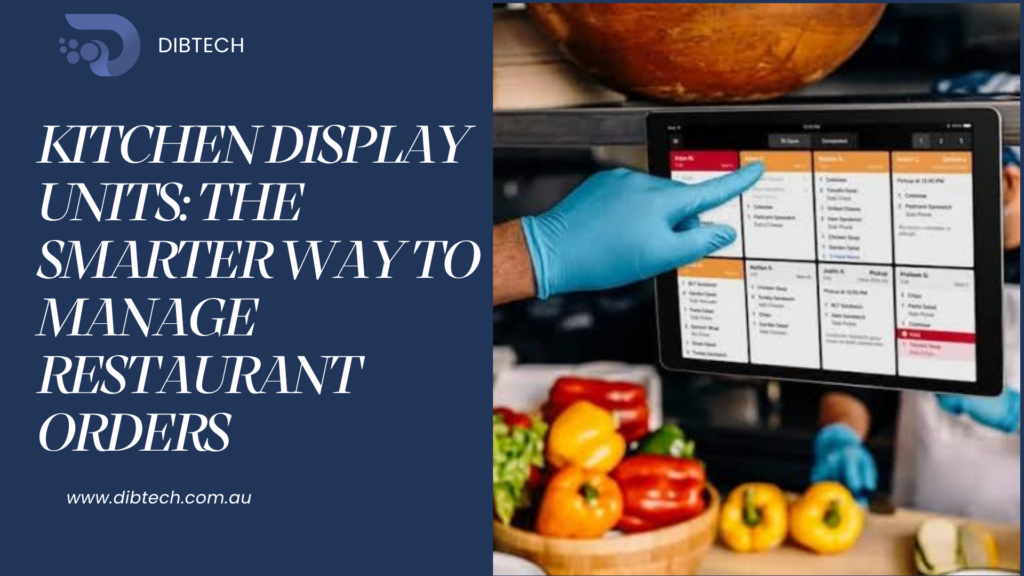
Kitchen Display Units: The Smarter Way to Manage Restaurant Orders
In a busy restaurant, getting orders from the front counter or dining area to the kitchen quickly and accurately is essential. Traditional handwritten kitchen tickets and verbal communication can create delays, misplaced orders, and mistakes.
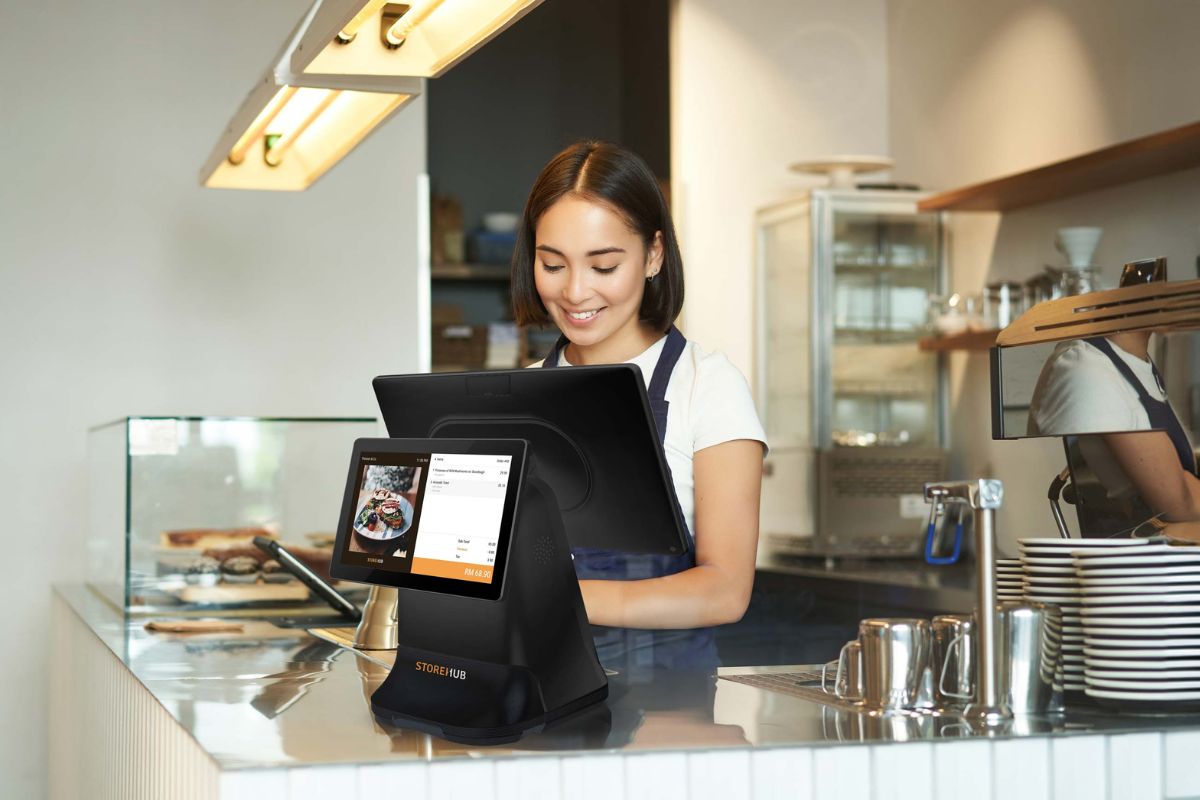
A Kitchen Display Unit (KDU) provides a digital solution by connecting the kitchen directly with the restaurant POS system. Orders entered through the POS can appear on a kitchen display, allowing kitchen staff to view, organise, and prepare orders more efficiently.
1. What Is a Kitchen Display Unit?
A Kitchen Display Unit is a screen used by kitchen staff to receive and manage customer orders digitally.
When an employee enters an order into the POS, the order can be sent directly to the kitchen display.
The workflow becomes:
Customer → POS → Kitchen Display Unit → Food Preparation → Customer
Instead of relying on paper tickets, kitchen staff can see orders on a screen and manage them as they progress.
2. Faster Order Communication
One of the biggest advantages of a KDU is faster communication between the front of house and kitchen.
Once an order is submitted through the POS, it can appear on the kitchen display almost immediately. Staff do not need to walk to the kitchen or verbally communicate every order.
This can help reduce delays and allow kitchen staff to begin preparing food sooner.
3. Improves Order Accuracy
Manual order communication can result in incorrect items, quantities, or special instructions.
A POS-integrated KDU displays the information entered into the POS, including:
- Product names
- Quantities
- Modifiers
- Special requests
- Table numbers
- Order numbers
- Order times
Having clear digital information available in the kitchen can help reduce misunderstandings and preparation errors.
4. Makes It Easier to Manage Multiple Orders
During busy periods, the kitchen may receive many orders at the same time.
A Kitchen Display Unit can organise incoming orders so staff can easily see what needs to be prepared.
Kitchen employees can quickly identify:
- New orders
- Orders currently being prepared
- Completed orders
- Delayed orders
- Priority orders
This creates a more organised kitchen workflow.
5. Reduces Dependence on Paper Tickets
Traditional kitchen printers require paper, replacement rolls, maintenance, and physical handling of tickets.
A KDU displays orders digitally, reducing the need for paper-based order management.
This can also make it easier for kitchen staff to keep track of orders without having to manage piles of printed tickets.
6. Improves Communication Between Kitchen Stations
Larger restaurants may have different preparation areas, such as:
- Grill
- Pizza
- Fryer
- Salad
- Dessert
- Bar
A POS-integrated kitchen display system can help direct relevant orders or items to the appropriate station.
This allows each team to focus on its responsibilities and can improve coordination across the kitchen.
7. Helps Reduce Customer Waiting Times
Faster communication and better order organisation can contribute to quicker food preparation.
When kitchen staff receive orders immediately and can clearly see their workload, they can prioritise preparation more effectively.
This can help restaurants provide faster service, particularly during lunch, dinner, and other peak periods.
8. Makes Order Status Easier to Track
With a digital kitchen workflow, staff can update an order as it moves through different stages.
For example:
New → Preparing → Ready → Completed
This gives front-of-house staff better visibility of the order status and can reduce the need to repeatedly ask kitchen staff about an order.
9. Supports Better Kitchen Productivity
A KDU can help kitchen staff spend less time dealing with paper tickets and unnecessary communication.
Instead, they can focus on preparing food.
Over time, this can contribute to:
- Better staff productivity
- Improved workflow
- Faster order handling
- Better kitchen organisation
- Fewer communication problems
10. Integrates with Restaurant POS Software
The biggest advantage of a Kitchen Display Unit is its connection with the POS system.
The POS acts as the central point for entering and managing orders, while the KDU provides the kitchen with the information required to prepare them.
This creates a connected restaurant workflow:
Order Taking → POS → Kitchen Display → Food Preparation → Order Completion
When these systems work together, restaurants can reduce manual processes and improve operational efficiency.
11. Helps Restaurants During Peak Hours
Peak periods can quickly create pressure on kitchen staff. A KDU gives employees a clear view of incoming orders and helps them manage their workload.
Instead of relying on handwritten notes or verbal instructions, kitchen staff have a central digital view of orders.
This can be particularly useful for restaurants with high order volumes.
12. Better Customer Experience
Customers expect their orders to be accurate and delivered within a reasonable time.
By improving communication between the POS and kitchen, a KDU can help restaurants provide a more consistent service experience.
Fewer errors and better order management can lead to greater customer satisfaction and encourage repeat business.
Best Practices for Using a Kitchen Display Unit
To get the most from a KDU, restaurants should:
- Connect the KDU correctly with the POS system.
- Organise products and categories clearly.
- Configure kitchen stations according to the restaurant workflow.
- Ensure modifiers and special instructions appear correctly.
- Train kitchen staff on order status management.
- Regularly check the network and display connection.
- Review the workflow when adding new menu items.
- Monitor peak periods and adjust kitchen processes when necessary.
Conclusion
Kitchen Display Units provide a smarter and more organised way for restaurants to manage orders. By connecting the kitchen directly with the POS system, restaurants can improve order communication, reduce errors, manage busy periods, and create a more efficient food preparation process.
For restaurants looking to move away from paper-based kitchen tickets and improve coordination between front-of-house and kitchen staff, a POS-integrated Kitchen Display Unit can be a valuable addition to their technology setup.